SCIGOLD BK5300 Jump Starter and 100W USB-C Power Bank, 115.2 Wh
A 115.2 Wh battery with a built-in car jump starter (1,000 A peak, manufacturer rating) and two-way 100W USB-C. Ships by ground to the 48 contiguous US states.
Free US shipping over $35 · 30-day returns · 12-month warranty
- Capacity
- 115.2 Wh
- Power
- 100W
- Colors
- Black
- SKU
- SG-BK5300-TMP
Free US shipping
orders over $35
12-month warranty
from date of purchase
Secure checkout
hosted by Shopify
30-day returns
original condition & packaging
SCIGOLD BK5300 · 115.2 Wh · 100W USB-C
A 115 Wh battery with a built-in jump starter.
Two-way 100W USB-C for a laptop or a phone, and a jump-start port rated by the manufacturer at 1,000 A peak, for the morning the car will not start.

Capacity, power, jump start
Three jobs, one battery.
A 115.2 Wh battery, a USB-C port that takes and gives 100W, and a jump-start port for the car, with a screen that shows what the battery is doing.

115.2 Wh
115.2 Wh in one battery.
Inside is a 14.4V, 8 Ah lithium-ion battery: 115.2 Wh of rated energy. The same battery feeds the USB-C port, the USB-A port and the jump-start port.
The screen shows the charge left as a percentage, and the time remaining while it powers something.
- The screen also shows battery health as a percentage and the charge-cycle count.
- After you charge devices from it, recharge it to 80% or more before a jump start.

100W USB-C
100W in, 100W out.
The USB-C port works both ways at up to 100W (20V/5A). Out, it charges most USB-C laptops or keeps one running; in, it recharges the BK5300 from a USB-C charger.
It speaks USB Power Delivery 3.0 with PPS, plus UFCS, AFC, FCP, SCP, SFCP, PE 2.0, QC3+, QC 3.0, QC 2.0 and Apple 2.4A, so most phones charge from it at the rate they ask for.
- USB-A: up to 36W on its own (5V, 9V or 12V at 3A).
- Both ports at once: 15W in total (5V/3A) with the current firmware. For a laptop, use USB-C on its own.
- For the full 100W, use a USB-C cable rated for 100W (5A); a standard 3A cable stops at 60W.

Jump start
A jump starter, built in.
Under a rubber safety cap marked with a car sits the jump-start port, rated by the manufacturer at 1,000 A peak.
Charge the BK5300 to 80% or more, then crank for no longer than 4 seconds, and wait at least 10 seconds between tries.
- We have not yet tested which engines it can start, so we do not list any. Questions about your car? Email hello@scigoldpower.com before you order.
- The jump-start port is for jump-starting only. Never connect anything else to it, and keep the safety cap on whenever you are not jump-starting.

Screen
Charge, health and temperature, on screen.
The TFT screen shows the charge left as a percentage, the charging time or the time remaining, the input power, and the output of each port and in total.
It also counts charge cycles and shows battery health as a percentage and the battery temperature, in °C and °F.
- Before a jump start, check two numbers: a charge of 80% or more, and a battery temperature no higher than 60°C (140°F).
Where it lives
At home, until you need it.
Store the BK5300 indoors, in a cool, dry place, and take it where the power is needed: out to the car, around the house in a power outage, or on a camping trip.

The car will not start
Out to the car.
Keep the BK5300 charged at home or in the garage, not in a parked car, where it is exposed to heat and sun. When the car will not start, check the screen and carry it out.
Then follow the four rules below.
- If it sits unused, recharge it every 6 months.

Power outage
When the power goes out.
The USB-C port charges a laptop at up to 100W, or a phone or a tablet. On its own, the USB-A port gives up to 36W.
The 70-lumen LED light has an SOS mode: hold the button for 3 seconds for the light, then press it once for SOS.
- Both ports at once share 15W (current firmware), so charge a laptop on USB-C on its own.

Camping
At the campsite.
Charge a phone, a camera, a tablet or a laptop, and use the light after dark.
For earbuds and watches, triple-press the button with the device connected: the low-current mode suits small batteries.
- Keep it out of direct sun and away from moisture.
Before you jump-start
Four rules from the manual.
Charge to 80% or more
Check the charge on the screen first. Below 80%, recharge it before you jump-start.
Crank for 4 seconds at most
Never longer than 5 seconds. If the engine does not start, wait at least 10 seconds before the next try.
Battery at 60°C (140°F) or cooler
Check the battery temperature on the screen. Above 60°C (140°F), let it cool before you jump-start.
Keep the safety cap on
Take it off only to jump-start. Connect nothing else to the jump-start port: shorting it can cause a fire or an explosion.
Compatibility
What it works with.
- Laptops
- Most USB-C laptops, including MacBook Air, MacBook Pro, Windows ultrabooks and Chromebooks, at up to 100W from the USB-C port on its own.
- Phones and tablets
- iPhone 15 and later over USB-C, earlier iPhones with a USB-C to Lightning cable, Samsung Galaxy, Google Pixel, iPad and Android tablets.
- Earbuds and watches
- Triple-press the button with the device connected for the low-current mode.
- And more
- Cameras, handheld consoles such as Steam Deck and Nintendo Switch, and the SCIGOLD AA charging case, which takes 5V/3A.
- The car
- Jump-starting from the jump-start port, rated by the manufacturer at 1,000 A peak. We have not yet tested which engines it can start, so we do not list any.
Good to know
- Not for air travel: at 115.2 Wh it is above the 100 Wh the FAA allows for a spare lithium-ion battery without the airline's approval. Never in checked bags.
- Ships by ground to the 48 contiguous US states only: not to Alaska, Hawaii, Puerto Rico, US territories or APO/FPO/DPO addresses.
- USB-C and USB-A used together share 15W (5V/3A) with the current firmware. For a laptop, use USB-C on its own.
- Store it indoors in a cool, dry place, away from heat, sun and moisture, and recharge it every 6 months if you do not use it.
- It gets warm while it charges; that is normal.
Specs & details
Every number, in one place.
Specifications
| Attribute | Value |
|---|---|
| Battery | Lithium-ion, 14.4V, 8 Ah |
| Rated energy | 115.2 Wh |
| USB-C input | 5V/3A, 9V/3A, 12V/3A, 15V/3A, 20V/5A (100W max) |
| USB-C output | 5V/3A, 9V/3A, 12V/3A, 15V/3A, 20V/5A (100W max) |
| USB-C protocols | USB PD 3.0, PPS; UFCS; AFC; FCP; SCP; SFCP; PE 2.0; QC3+, QC 3.0, QC 2.0; Apple 2.4A |
| USB-A output | 5V/3A, 9V/3A, 12V/3A (36W max) |
| USB-C and USB-A together | 5V/3A, 15W total (current firmware) |
| Jump-start port | 1,000 A peak (manufacturer rating), behind a rubber safety cap |
| Screen | TFT: charge %, charging time or time remaining, input power, output per port and total, charge cycles, battery health %, battery temperature in °C and °F |
| Light | LED, 70 lumens, with SOS mode |
| Button | Press: on, then switch screens · Double-press (when idle): off · Hold 3 s: light; press for SOS, press again for off · Triple-press: low-current mode |
| Color | Black |
About This Product
The SCIGOLD BK5300 is a 115.2 Wh battery with a built-in jump starter. Its USB-C port works both ways at up to 100W: it charges most USB-C laptops or keeps one running, and it recharges the BK5300 from a USB-C charger. A USB-A port gives up to 36W on its own. The jump-start port sits behind a rubber safety cap and is rated by the manufacturer at 1,000 A peak.
A TFT screen shows the charge left, the power going in and out, the cycle count, battery health and battery temperature, and a 70-lumen LED light has an SOS mode. Keep it indoors, in a cool, dry place, and take it out to the car when it will not start. It ships by ground to the 48 contiguous US states.
Pairs Well With
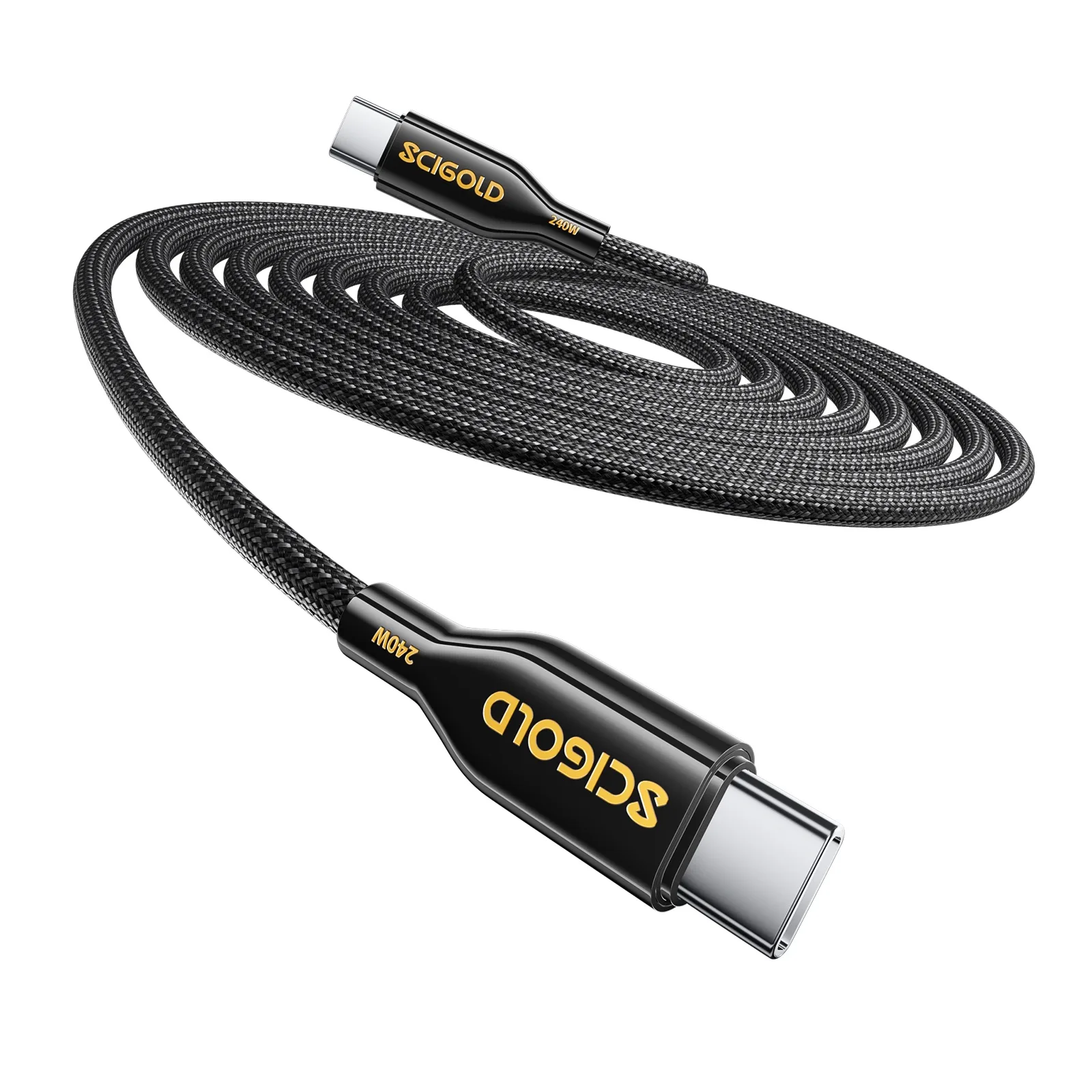
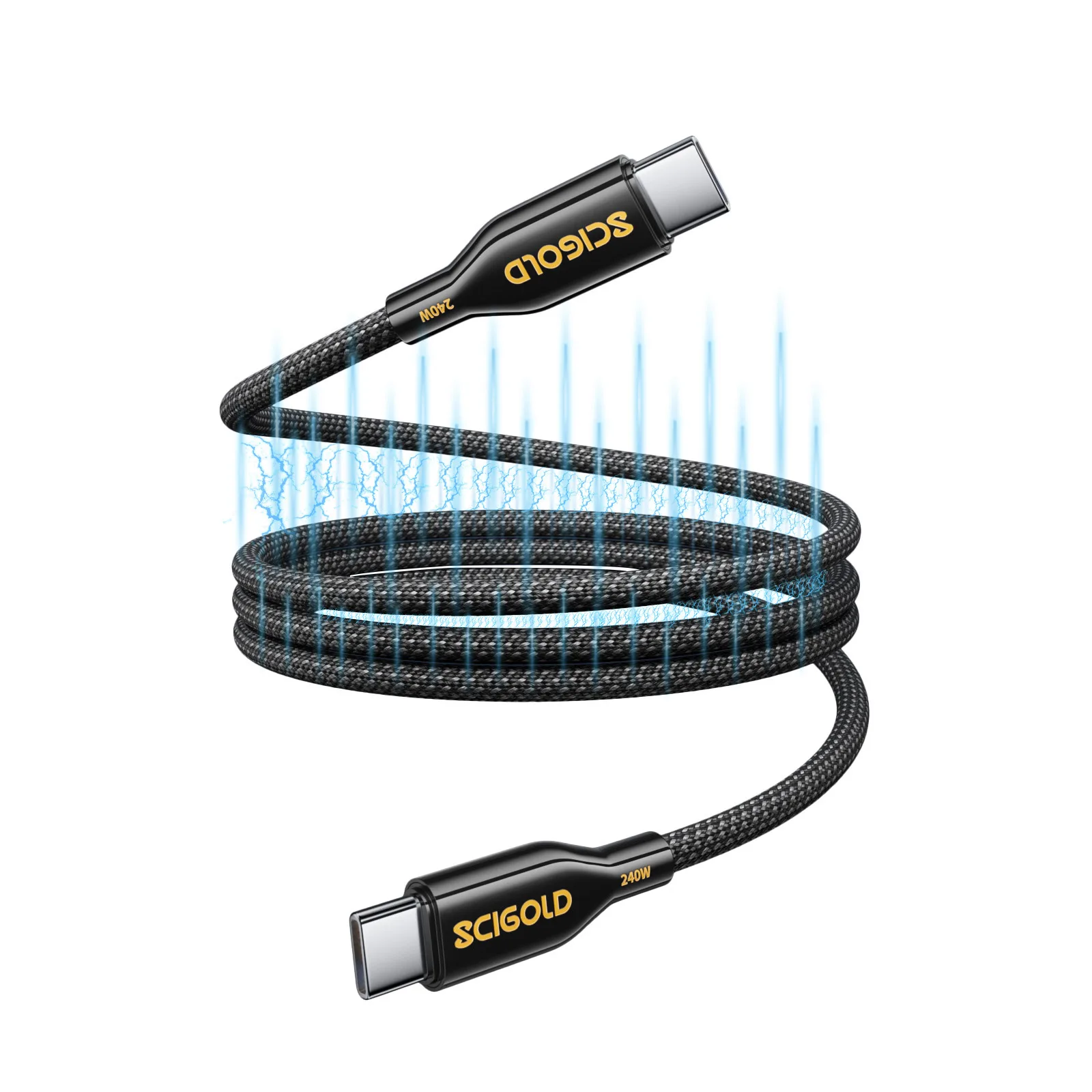
- SCIGOLD 100W silicone USB-C cable: rated for the 100W the USB-C port gives and takes.
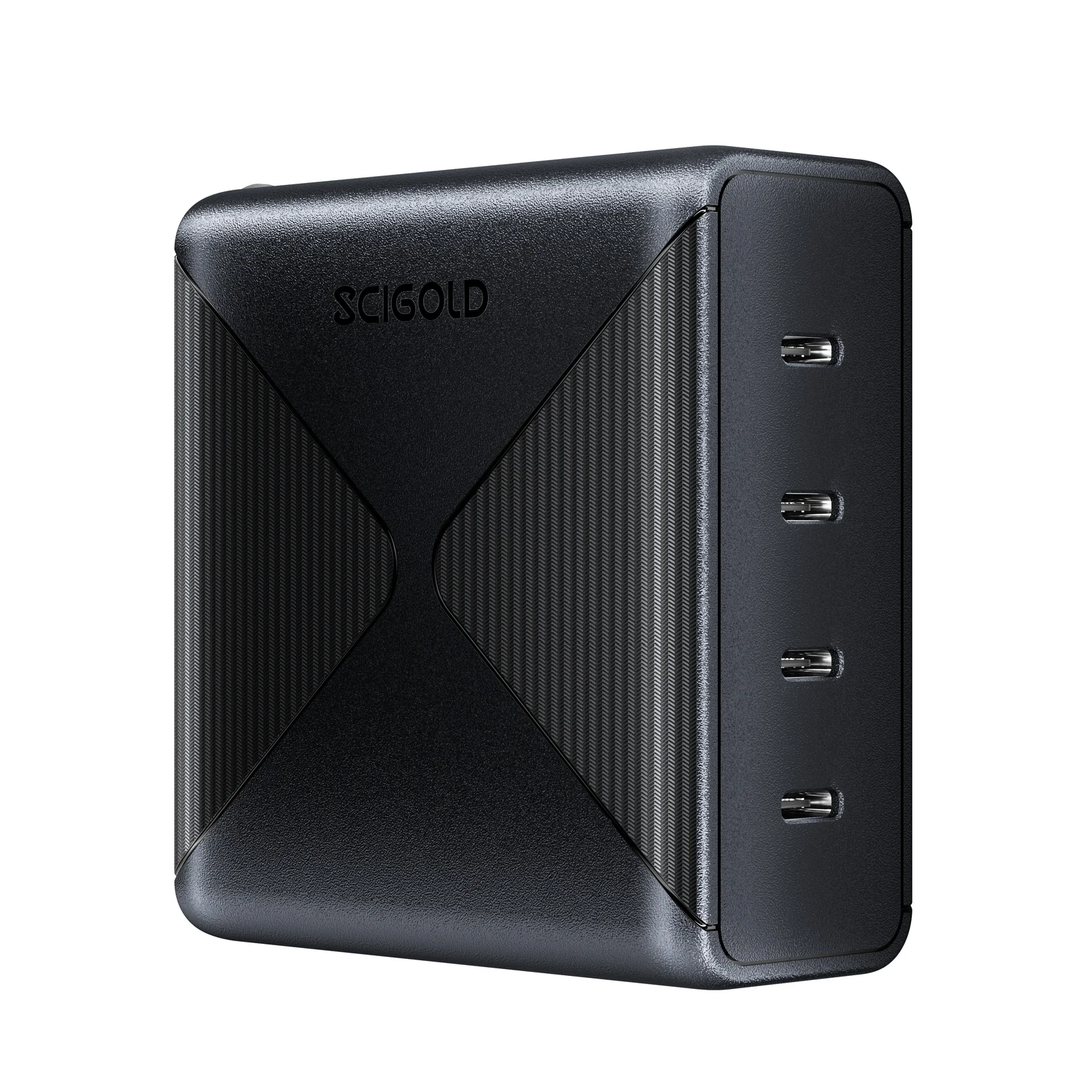
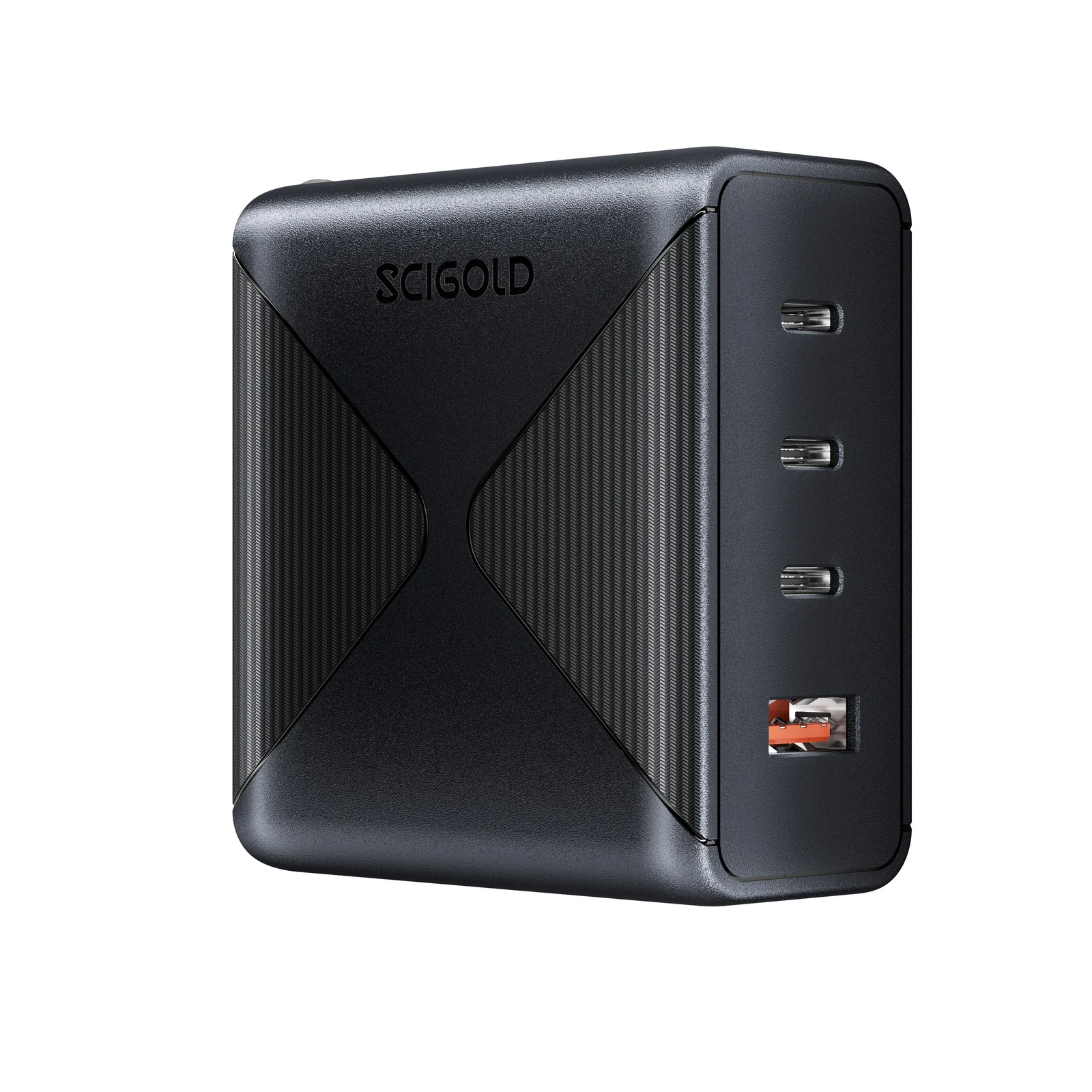
- SCIGOLD 100W wall charger: up to 100W from one USB-C port, to recharge the BK5300.
- SCIGOLD AA Kit: its CW505 charging case runs from the BK5300’s USB-C port.
Frequently Asked
Quick answers, before you buy.
Will it start my car?
What should I check before a jump start?
Can it charge a laptop?
Can I use both ports at once?
Can I take it on a plane?
Where do you ship it?
How do I return it?
How should I store it? Can I keep it in the car?
How do I recharge it?
What does the button do?
Pairs with